Walt’s Watch Lab
Automatic Watch Guide
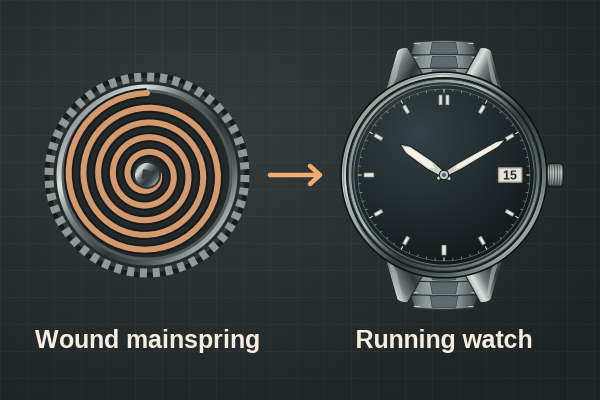
As you wear it, wrist movement winds the spring that powers the hands.
Download PDF Guide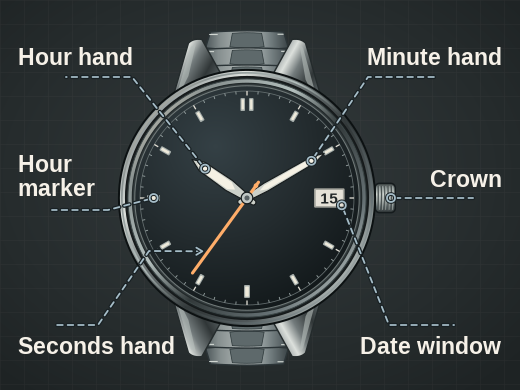
Find your crown position
If your crown screws down, unscrew it first. Then pull gently. Each stop you feel is one click.

- Fully in · Wind the watch
- If your watch supports hand-winding, turn the crown gently here. For motion-only winding, gently rock the watch to start it.
- First click · Adjust the calendar
- Turn to change the date, or the day if fitted. Use this quick adjustment only outside your watch’s calendar-change hours.
- Second click · Set the time
- Turn the crown to move the hour and minute hands together.
Set the date and time together
Find midnight
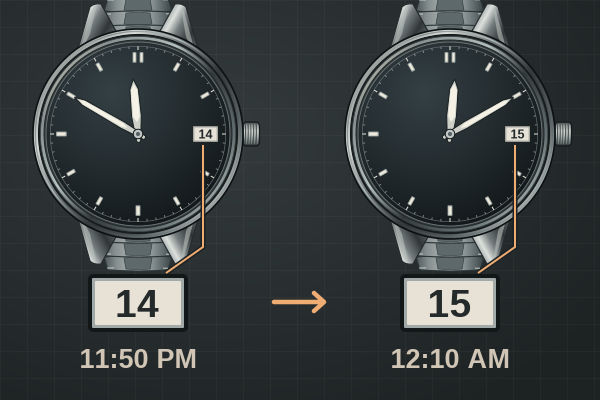
Once the hands are clear of the calendar-change hours, use the first click to set yesterday’s date. Pull to the second click and advance the hands until today’s date appears. That marks midnight.
Set AM or PM
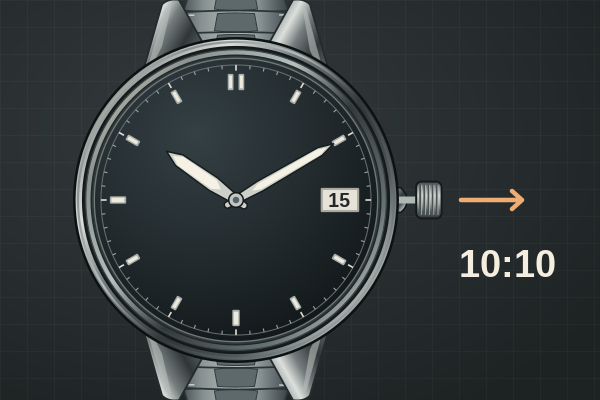
Stay at the second click and move forward to your local time. For an afternoon or evening time, pass noon first.
Important to Remember
Close the Crown
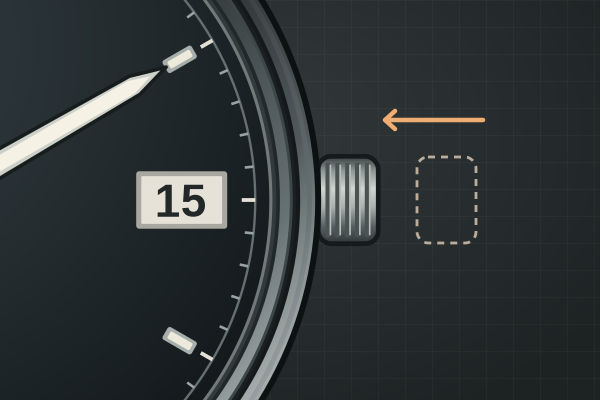
After setting, push the crown back against the case. If it screws down, gently screw it back into place.
Power Reserve
Power reserve is how long your watch can keep running after you take it off. It depends on the movement and how fully the spring is wound.